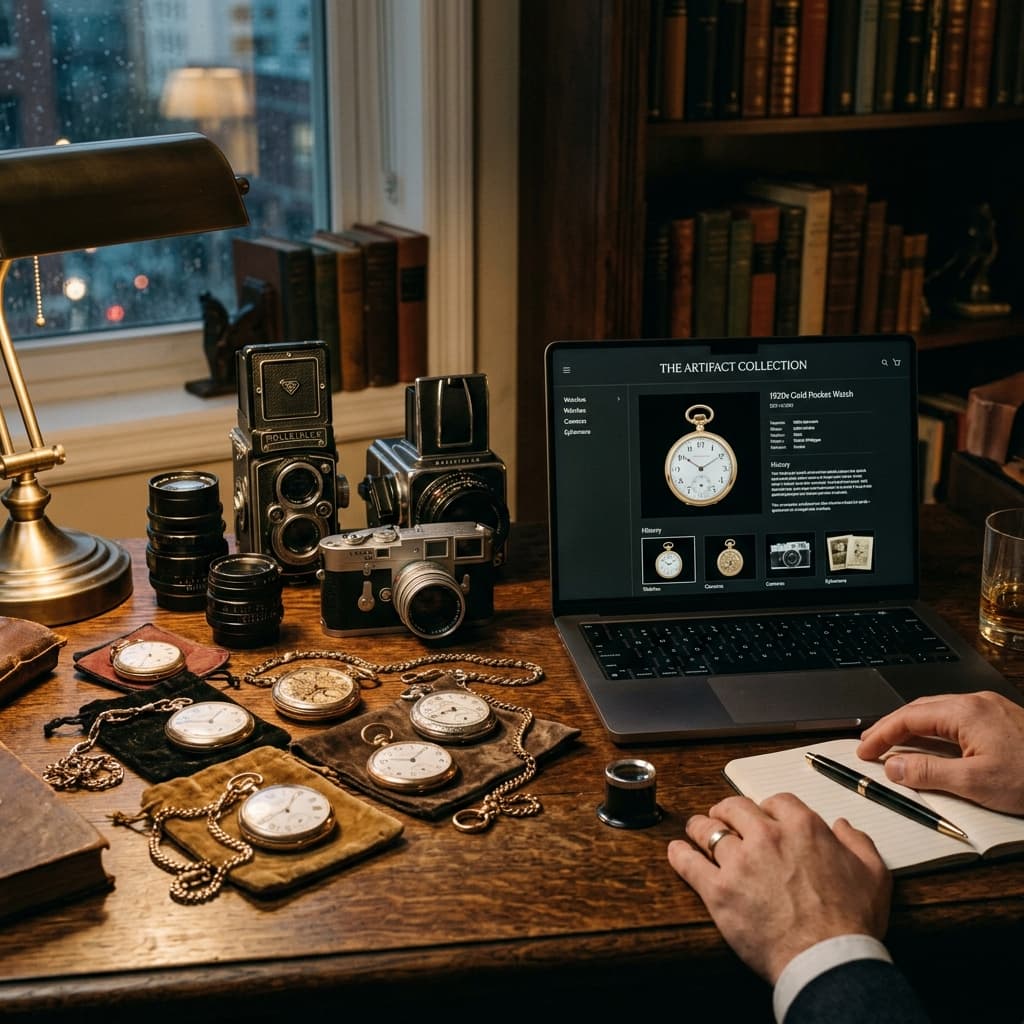
The Tipping Point: When a Spreadsheet is No Longer Enough
Every great private collection starts simply. Whether you collect rare coins, vintage photographs, antique books, or family heirlooms, you likely started by keeping track of your items in a notebook or an Excel spreadsheet.
But eventually, you reach a tipping point. Spreadsheets can't hold high-resolution images. They can't track detailed condition reports over time. And they certainly don't look great when you want to show off your collection to a fellow enthusiast.
Until recently, upgrading to a "real" Collection Management System (CMS) meant spending thousands of dollars on enterprise software built for massive institutions. It was overkill for a private collector.
The True Risks of 'Do It Yourself' Storage
Many collectors simply keep their photos in folders on their desktop or in consumer cloud storage like Google Drive or Dropbox, completely disconnected from the spreadsheet data.
This "Do It Yourself" approach carries hidden risks. Hard drives fail. Folder structures get messy. The biggest risk is "bit rot"—the slow, silent degradation of digital files over time. If you are preserving a rare family photograph, a standard hard drive isn't enough.
The Affordable Way to Digitize with DAMS
Museum Vault bridges the gap. It provides a museum-grade Digital Asset Management System (DAMS) at a price point that makes sense for private collectors.
A true DAMS doesn't just store files. When you upload photos, videos, or audio files to Museum Vault, we generate MD5 checksums. These checksums act as a digital fingerprint, recorded the moment your file arrives, so you can confirm later that it hasn't changed or degraded—the same fingerprinting technique professional archives use to track file integrity.
Organizing with Purpose: Best Practices for Metadata
Moving to Museum Vault allows you to attach deep metadata to every item. Instead of a single spreadsheet cell, you get dedicated fields for:
1. Provenance (the history of ownership).
2. Condition notes and conservation history.
3. Acquisition dates and purchase prices (kept strictly private).
4. Multiple high-resolution images showcasing different angles or maker's marks.
Printing Physical QR Labels
If your collection is stored in archival boxes or display cases, keeping track of what is where can be exhausting.
Museum Vault can automatically generate printable QR code labels for your items. You can stick them on the outside of your archival boxes. The next time you need to know what's inside a box on the top shelf, you don't need to pull it down—just scan the QR code with your smartphone, and the full inventory list will appear on your screen.
Sharing Your Passion: Virtual Exhibitions
A collection is meant to be seen, not hidden in a vault. While you can keep your entire Museum Vault account completely private, you also have the option to share.
With the click of a button, you can curate beautiful, dark-themed Virtual Exhibitions. You can select specific items, write interpretive text, and publish an online gallery to share with friends, family, or fellow collectors around the world, without needing to hire a web developer.
Scale Affordably
We believe professional tools should be accessible. If you have a small collection, our Free Tier allows you to catalog up to 250 artifacts with 5 GB of storage at absolutely no cost.
As your collection grows, our Pro plan is just $39/month. This gives you space for 10,000 artifacts and 100 GB of high-resolution media storage, ensuring your collection always has room to expand safely.