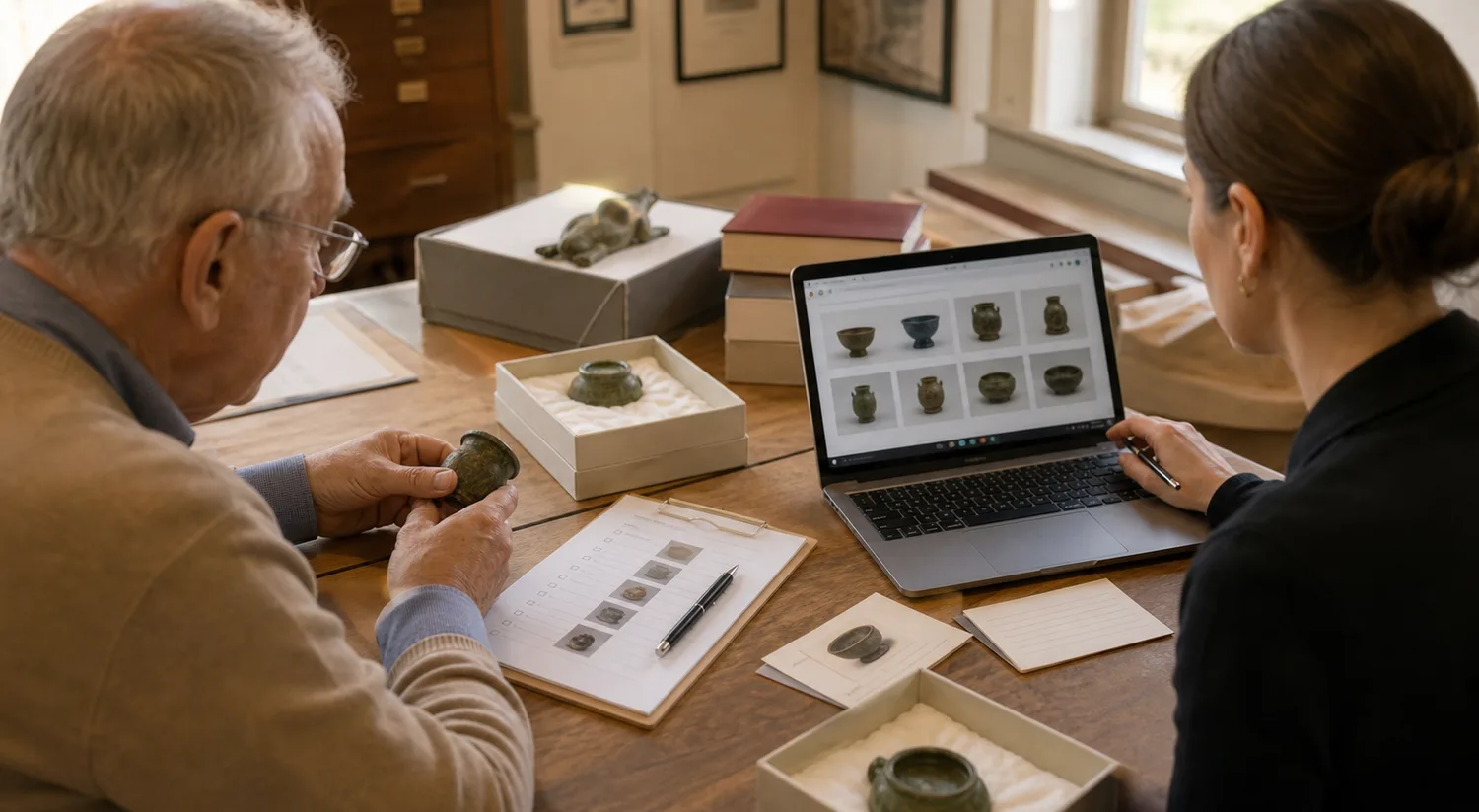
The real problem is continuity
Small museums rarely suffer from a lack of care. They suffer from interrupted care. A volunteer retires, a spreadsheet lives on one laptop, object photos sit in a shared drive, and the person who knows why Shelf B is labeled twice is only in on Thursdays.
Good museum collection management software should protect the museum from those breaks in memory. It should make the next person feel oriented quickly: what the object is, where it belongs, who last touched the record, what image is safe to publish, and what still needs review.
That is a different job from enterprise collections software built for departments with dedicated registrars, database administrators, and formal implementation budgets. Small teams need a calm system that improves daily work without asking them to become software operators.
Choose for the Tuesday afternoon workflow
The best test is not a feature checklist. It is an ordinary afternoon: a volunteer adds three artifact photos, a curator searches for a donor name, someone fixes a location, and a director asks whether an object can be included in next month's online exhibit.
If the system feels heavy in that moment, the team will drift back to notebooks and folders. If it feels clear, records become easier to trust because the path of least resistance is also the right path.
- Artifact cards should be readable at a glance, with titles, object IDs, status, collection, and image previews easy to scan.
- Search should work across accession numbers, titles, descriptions, donors, locations, collections, and custom fields.
- Media should stay attached to the record, not hidden in a separate folder that future staff have to decode.
- Roles should match museum work: administrators, curators, and volunteers need different levels of access.
- Exports should be available, because long-term stewardship means the museum can take its data with it.
Volunteer-friendly is not dumbed down
A volunteer-friendly catalog can still support serious standards. The difference is in presentation: plain labels before jargon, large touch targets, clear save states, visible errors, and pages that do not punish someone for moving slowly.
That matters for elderly volunteers and part-time staff, but it also matters for curators. A readable interface makes it easier to spot weak descriptions, duplicate identifiers, missing rights notes, and unclear locations before they become institutional habits.
Passwordless sign-in helps here too. Magic links remove the support cycle of forgotten passwords while keeping access tied to each person's email account.
Keep the catalog useful before it is perfect
A common trap is waiting for every record to be corrected before anyone uses the system. In practice, the catalog becomes better when the team uses it for real work: finding artifacts, attaching images, preparing loans, checking storage, and building exhibitions.
The software should support that gradual improvement. Draft records should be allowed. Uncertain locations should be visible. Custom fields should preserve local knowledge until the museum decides whether it belongs in a standard field.
Museum Vault is built around that path: import what you have, improve it in manageable batches, add media, group records into collections, and publish only the material that is ready for visitors.
Public access should be a natural last step
Public exhibitions are most effective when they grow from the catalog instead of being rebuilt elsewhere. The same object title, image, rights note, and description that staff review internally should be the source for the public story.
That keeps interpretation connected to stewardship. It also reduces duplicate work. A small museum can publish a polished exhibition without maintaining a separate website workflow for every object.
- Use draft and published states so private catalog work does not leak into public pages.
- Choose a small group of strong objects before attempting a large online exhibition.
- Review image rights and caption language before publishing.
- Let visitors see the story, not the internal messiness of the database.
A strong first month
The first month with new software should create confidence, not a grand migration drama. Pick one collection area, import or enter a small batch, attach the best available images, invite two trusted volunteers, and publish one simple exhibition when the records are ready.
That rhythm gives the museum a working model. Once staff can see the whole path from record to search to exhibition, the larger catalog project becomes less abstract and much easier to sustain.