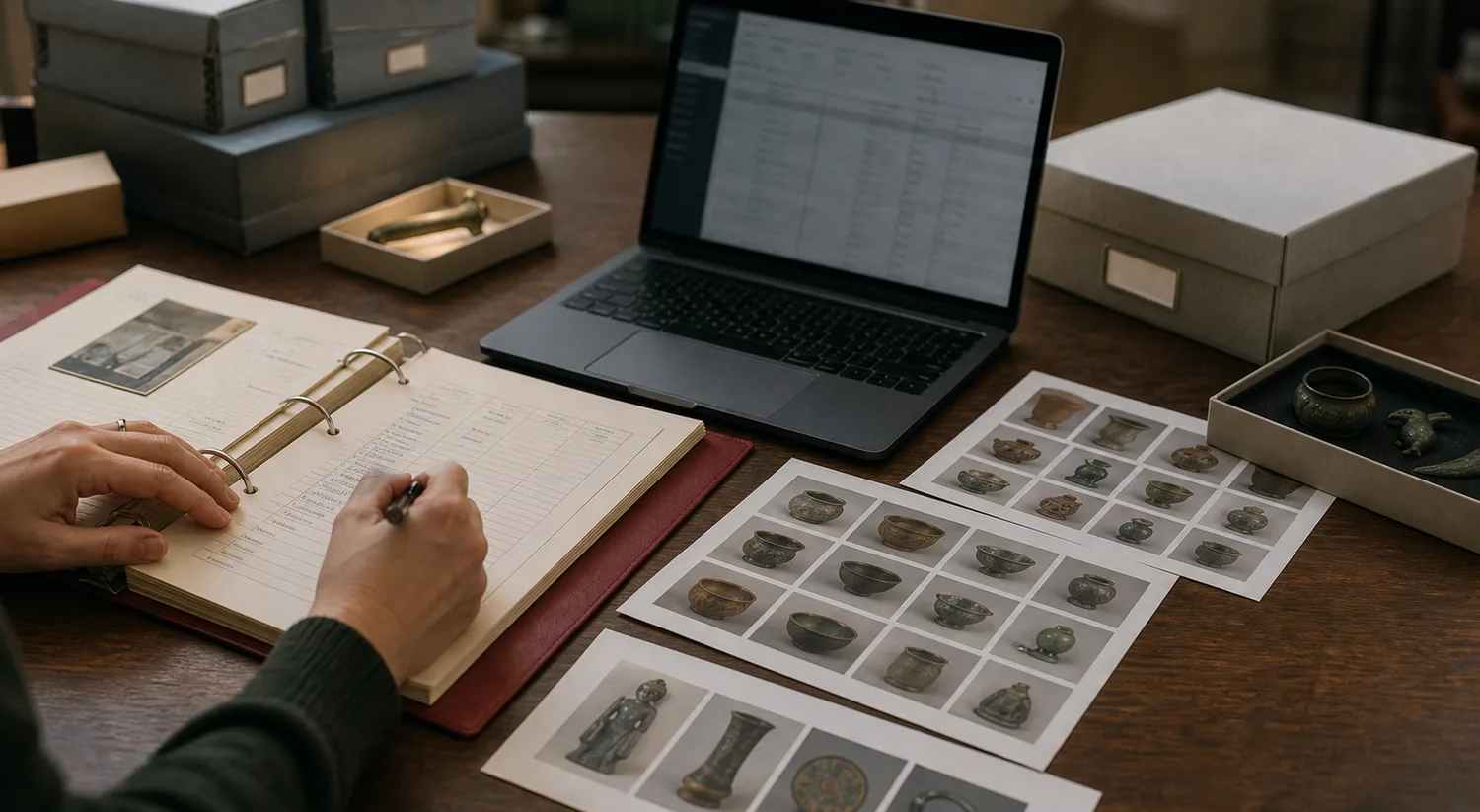
Treat migration as collection care
A PastPerfect migration is not just a technical export. It is a collection care project. The catalog contains decisions, shortcuts, local naming habits, donor memories, past exhibit notes, and sometimes decades of work by people who are no longer available to explain it.
The goal is not to make every record perfect before moving. The goal is to preserve what matters, expose what needs review, and give the team a better place to continue the work.
Start with the records that staff use most often: objects, accession numbers, titles, descriptions, locations, collections, condition notes, donors, dates, makers, image references, and any custom fields that carry local meaning.
Decide what deserves a first-class field
Legacy fields are rarely tidy. One museum uses Object Name for the public title, another uses Item Name, another stores the real display name in a custom note. A field called Location might mean current shelf, original gallery, donor address, or a mix of all three.
Before import, sort fields into three groups: fields that should become core catalog data, fields that should remain as custom metadata, and fields that can be archived but do not need to clutter daily work.
Museum Vault lets teams map columns into standard artifact fields while keeping unusual local details as custom fields, so migration does not erase the way the museum actually understands its collection.
- Move accession numbers, object IDs, titles, collection names, and current locations into core fields.
- Map creator, date, description, subject, format, language, coverage, and rights into Dublin Core-style fields when they are reliable.
- Keep donor stories, old exhibit labels, room histories, and unusual local categories in custom fields for curator review.
- Leave obviously obsolete tracking columns out of daily views, but keep the original export as an archive.
Clean only where cleanup changes outcomes
It is tempting to turn migration into a giant cleanup project. That usually stalls. Instead, clean the fields that change daily outcomes: identifiers, titles, locations, collection names, duplicate records, and public-facing descriptions.
Inconsistent punctuation in a private note can wait. A duplicate accession number cannot. A missing title will slow everyone down. A location that mixes room and shelf will create problems during inventory.
Use migration as a triage moment. Mark uncertain fields clearly, preserve raw notes, and give curators a review queue instead of pretending every row is finished.
Preview is where trust is built
A migration tool should let staff see what will happen before records are created. Preview catches empty titles, unexpected columns, duplicate object IDs, broken dates, collection names that do not match, and rows that need human judgment.
That preview is also a training surface. Volunteers can learn how the museum wants records handled while curators can approve the mapping before anything becomes part of the live catalog.
Museum Vault follows a validation-first workflow: upload, map, validate, review, then commit. That sequence slows the import just enough to prevent the expensive kind of surprise.
Do not migrate images as an afterthought
Object images are often the difference between a catalog people use and a catalog people avoid. If the old system stores image filenames, folder paths, or references outside the export, document that relationship before migration day.
Prioritize primary images for records staff search often, objects likely to appear in exhibitions, and artifacts with similar titles where visual confirmation prevents mistakes.
- Keep the original image folders unchanged until several spot checks pass.
- Match filenames to object IDs where possible.
- Upload a small representative batch first to confirm thumbnails and display images look right.
- Record rights and credit lines before publishing images publicly.
The first 30 days matter more than launch day
After import, resist the urge to judge the migration only by record count. The better measure is whether staff can find important objects, understand uncertain data, add missing media, and correct records without fear.
A practical first month might include spot-checking fifty records, fixing the top location issues, inviting a small volunteer group, building one collection page, and publishing one modest exhibition. Visible progress gives the team confidence and makes the rest of the cleanup feel possible.